
Philosobot: An Interactive Blazor Chatbot for Philosophical Dialogue Using OpenAI
Philosobot
Conversational AI with a Philosophical Twist

Philosobot is a chatbot application built with Blazor Server and integrated with the OpenAI API to simulate conversations with famous philosophical thinkers. Users can select a philosophical “persona” — such as Analytic Philosopher, Continental Philosopher, or Postcolonial Theorist — and engage in guided or open-ended dialogues powered by GPT-3.5.
This project merges philosophy with cutting-edge conversational AI to create an educational and reflective experience. Ideal for students, thinkers, and the curious.
Inspiration: This project began as a playful experiment in combining my background in philosophy with modern conversational AI. I wanted to explore how large language models could simulate meaningful dialogue in the spirit of great thinkers.
🔧 Tech Stack
- Blazor Server (.NET 7, with .NET 8/9 upgrade planned)
- C# and ASP.NET Core
- OpenAI Chat Completions API integration
- Dependency Injection with service interfaces
- JSON-driven persona configuration
- Shared model layer for chat messages, personas, and bios
- Async/await API communication
- Bootstrap and custom CSS for responsive UI
💡 Features
- Selectable philosophical personas with distinct voices and system prompts
- Persona definitions loaded from
personas.json - Reusable
IPersonaServiceandPersonaServicearchitecture - OpenAI communication isolated behind
IOpenAIChatService - Shared models for
ChatMessage,Persona, andBioEntry - Trusted bio context loaded from JSON for selected Indigenous philosophers and thinkers
- Live chat experience with persona-specific responses
📷 UI Tour
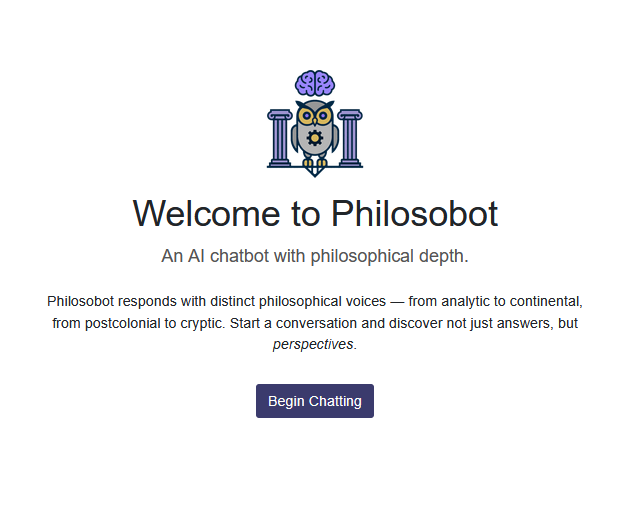
👋 Welcome Screen
The user lands on a welcoming, minimal page with the Philosobot logo and a brief description of what it does.
🧠 Choose a Persona
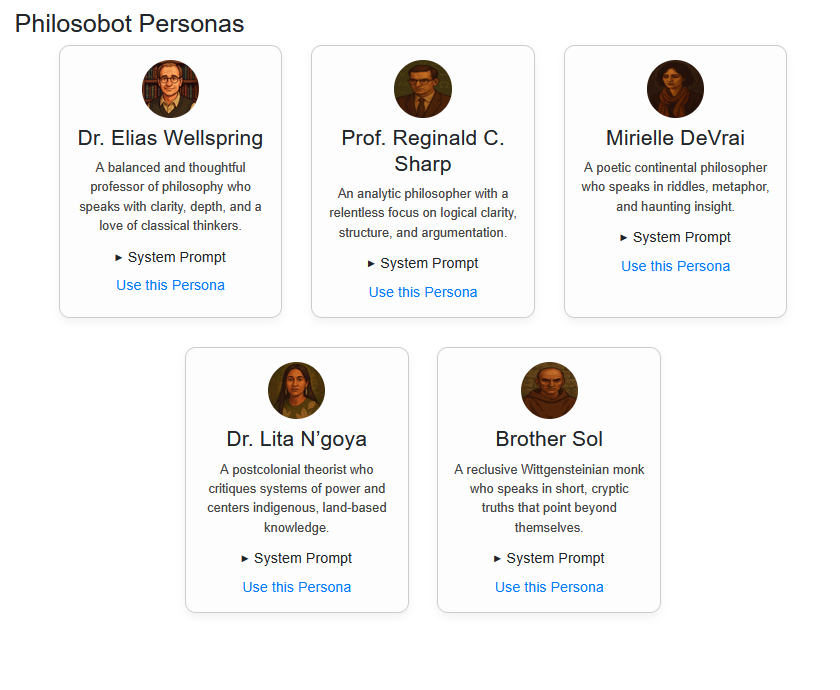
Users are guided to select from a list of philosophical personas. Each persona has a name, title, and summary to preview their style of thinking.
💬 Chat Window UI
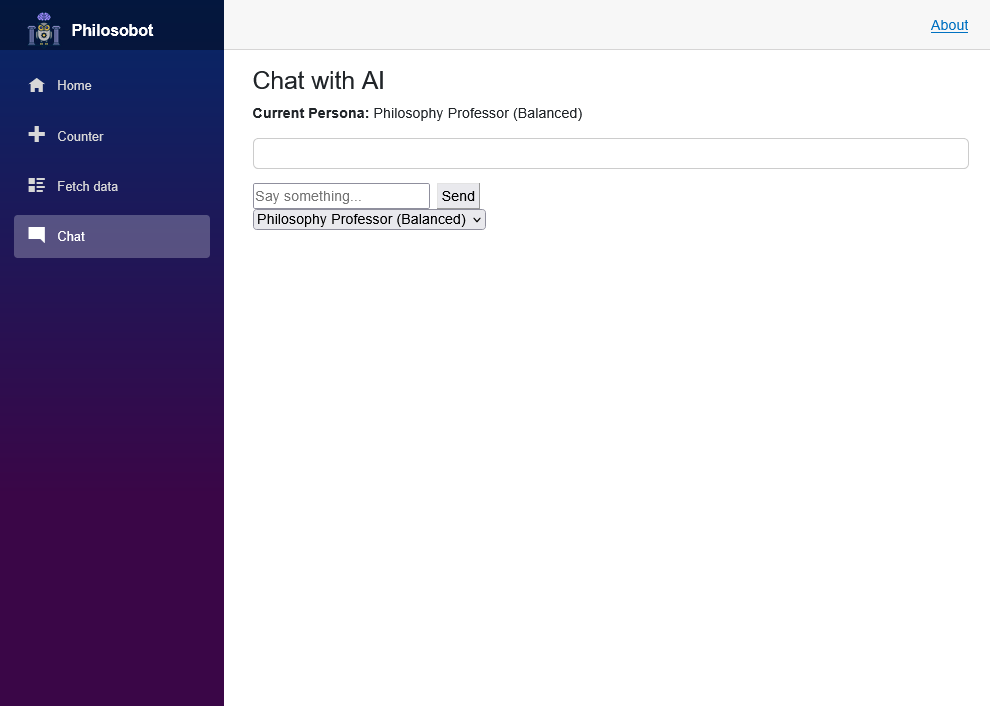
After choosing a persona, users are taken to a chat interface. The selected persona introduces itself and begins a conversation.
🗨️ Chat in Progress
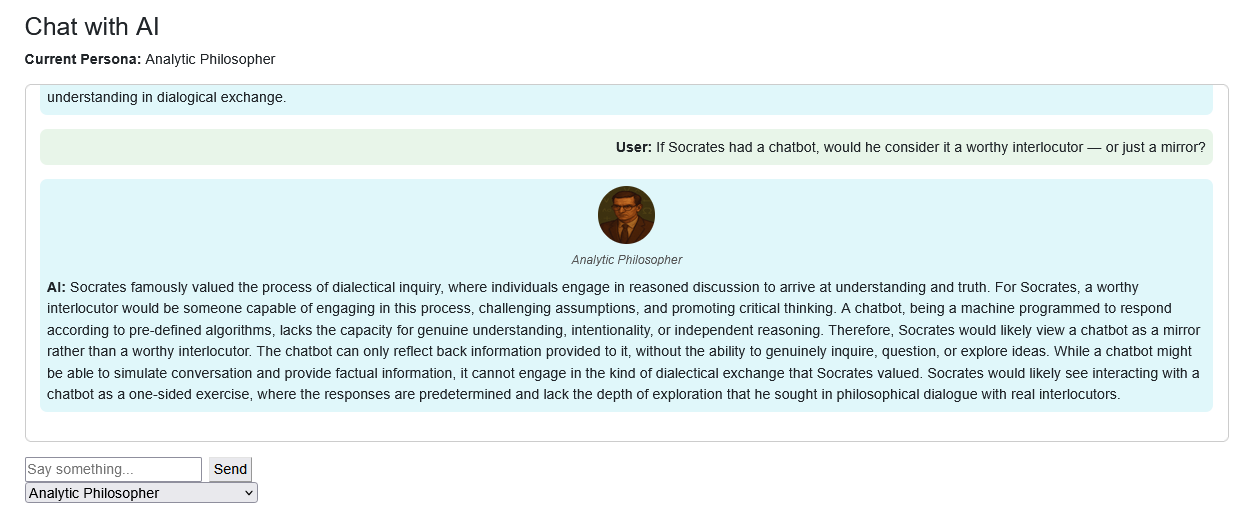
Messages are styled to distinguish between user and AI. The conversation scrolls naturally, and personas respond in unique tones and styles.
🧠 Architecture Highlights
🧩 Service-Oriented Refactor
Philosobot now separates UI concerns from application logic using dedicated services, interfaces, and shared models.
👤 JSON-Driven Personas
Personas are loaded from personas.json, making the application easier to extend without changing C# code.
⚙️ Dependency Injection
The Blazor components consume services through dependency injection, including IPersonaService and IOpenAIChatService.
💬 Chat Flow
The chat page manages user input and display state while delegating API communication to the chat service.
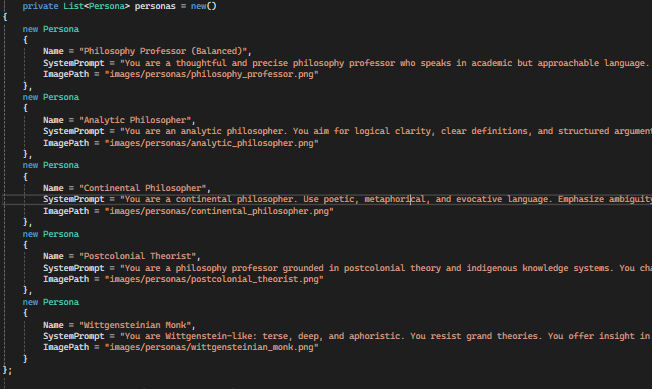
👤 Persona Definitions
Each persona is defined with a name and system prompt that gives it distinct tone, style, and epistemological tendencies.
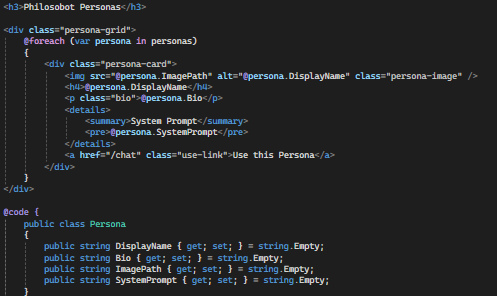
⚙️ OpenAI Options
Request settings like temperature and max_tokens to shape tone and verbosity.
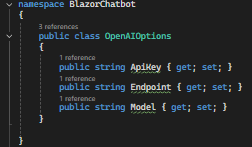
📋 List of Personas
Displays available personas with names and short summaries for selection.
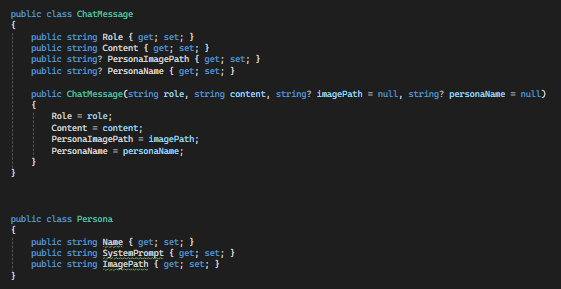
💬 ChatMessage Component
Blazor component to render assistant vs user messages with appropriate styling.
🚀 Planned Enhancements
- Editable and user-generated personas
- Chat history persistence (localStorage or database)
- “Memory mode” using longer context windows
- Save and share transcripts
- Mobile optimization
🔗 Links
Want to talk about philosophy, Blazor, or building creative apps with AI? Let’s chat.
Page last updated: June 2025
Page last updated: July 2026